
Select journeys
Include entry, navigation, form, confirmation and error state. Check a page on mobile and at high zoom.
GUIDE / PROTOCOL
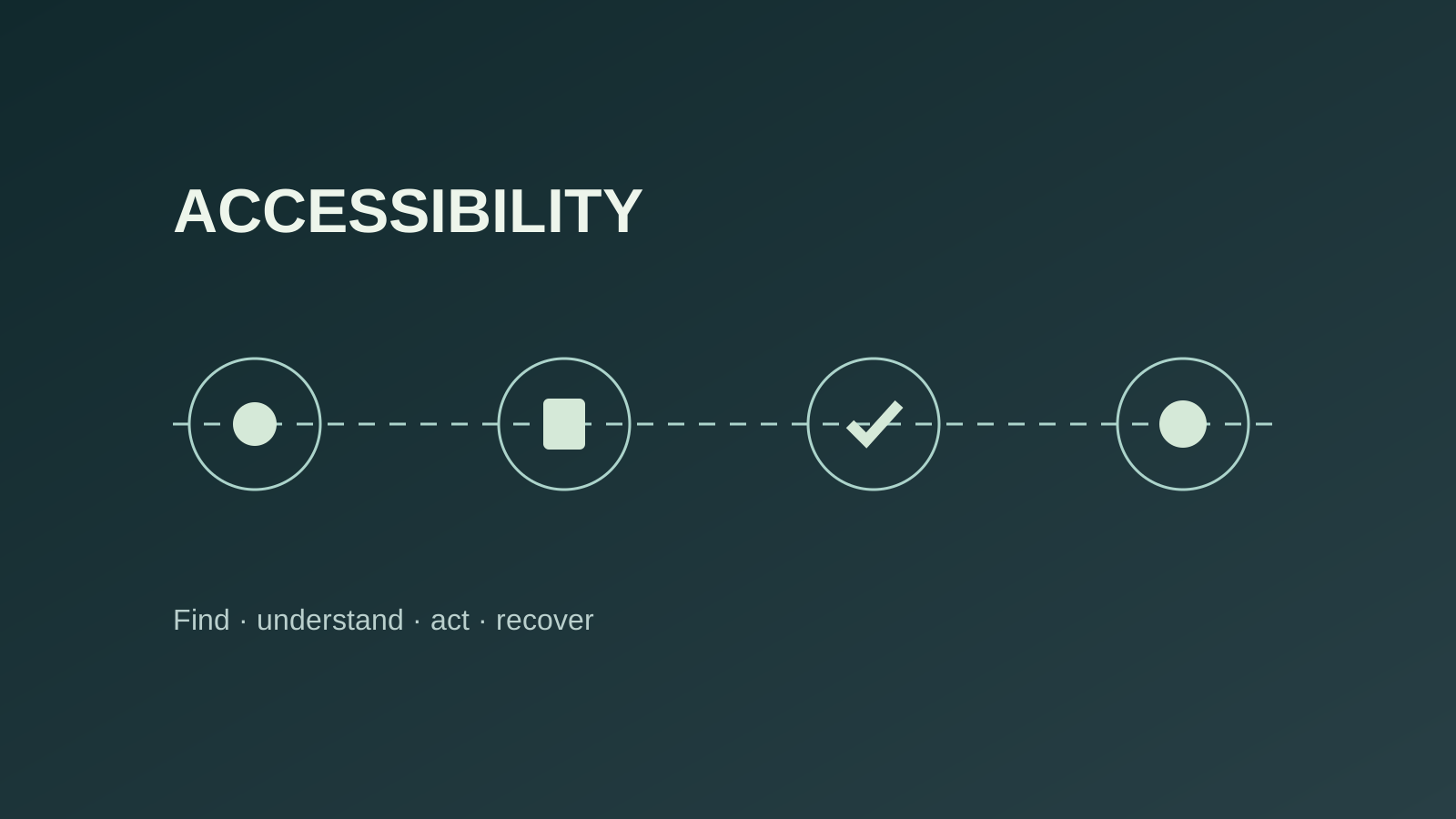
Accessibility is assessed across a whole task: find, understand, act and recover from an error.
Direct answer
Select representative journeys and critical states. Combine code inspection, keyboard navigation and assistive technology checks. Connect each defect to a blocked task, a WCAG requirement, evidence and a retest.
01 / Review method
Include entry, navigation, form, confirmation and error state. Check a page on mobile and at high zoom.
Check focus order and visibility, every control, menus, dialogs and exit from components. Identify keyboard traps.
Review headings, accessible names, labels, image alternatives, structure, contrast and error announcements with a screen reader.
Rank failures by task and severity, fix shared components, then replay the journey and pages using them.
02 / Evidence to keep
URL, device, browser, assistive technology, zoom and attempted action.
Exact steps, screenshot or DOM extract, observed and expected outcomes.
Relevant WCAG criterion, affected people or tasks, and reasoned severity.
Fix, version, date and results with keyboard and screen reader.
AFTER THE REVIEW
Hold journey approval, fix the shared component, then test opening, navigation and closing wherever it is used.
Keep the tool result, record the failed task and rewrite instructions before testing with relevant access modes.
03 / FAQ
No. It finds some code errors but cannot always judge logical order, comprehension or task completion.
Shared components and essential journeys such as navigation, search, request, payment or contact.
Test key screens: declared language, labels, errors and reading order can differ.
When the original scenario succeeds with relevant access modes and the fix does not break other states.
04 / Official references